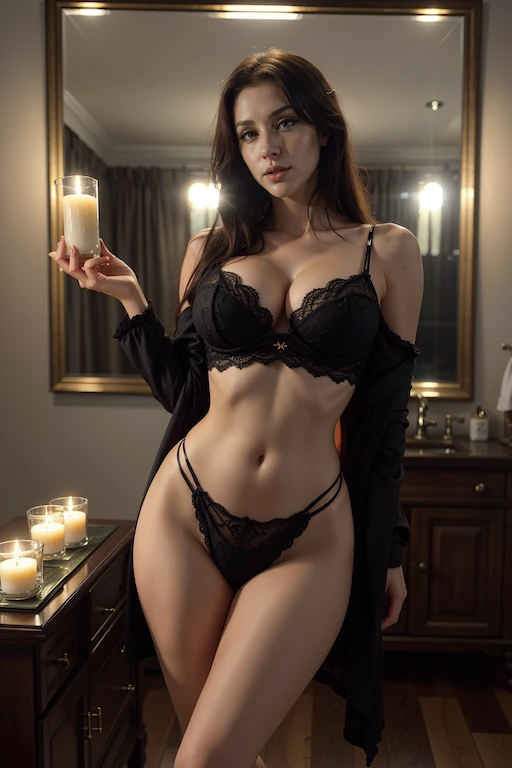
 Before
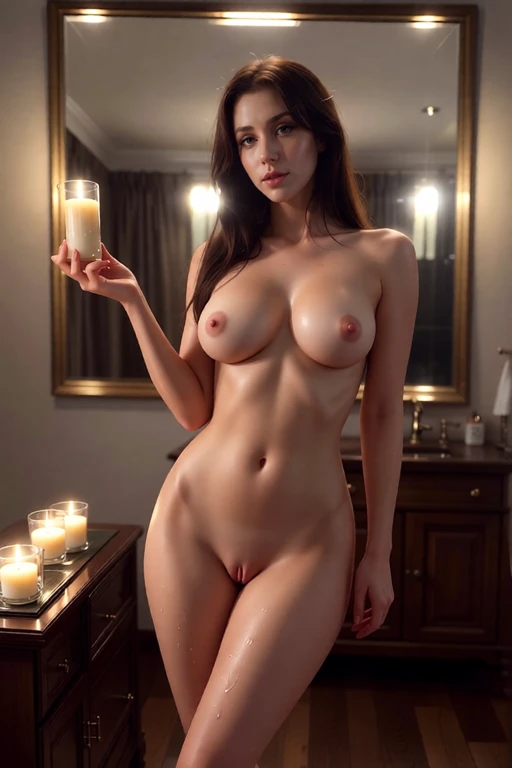 After
AfterBefore & after — AI result in under 3s
Step 1 - Open Undress.cat: Navigate to undress.cat in any browser on any device. You automatically receive 5 free diamond credits no email required. Click 'Undress a Photo Free' to open the upload interface.
Step 2 - Upload your photo: Drag and drop, click to browse, or paste an image URL. Supported formats: JPG, PNG, WebP up to 10MB. For best AI undress results, use a clear, well-lit photo with resolution above 512×512px and clearly visible clothing. Blurry or low-resolution images reduce output quality.
Step 3 - Choose a style: Select from 19 undress styles - tasteful options (bikini, lingerie, swimwear) or more explicit nude and NSFW styles. You can also write a custom text prompt. Each style costs one diamond credit. See all 19 style options described in full on our /safety page.
Step 4 - Generate your result: Click Create. Processing takes 2-4 seconds on our NVIDIA A100 GPU servers. The AI analyzes clothing regions, body proportions, and lighting, then synthesizes realistic nude skin. The AI achieves approximately 85-92% realistic results on standard photos.
Step 5 - View, save, or retry: Your undressed photo appears with a before/after comparison slider. Download it (free plan includes a subtle watermark), generate a shareable link, or retry in a different style. Input photo is automatically deleted within 30-60 seconds. One free retry per generation within 1 hour.